
Oxygis0.5.5.3r - Google Play
You'll be able to see results in few seconds.
Publisher Description
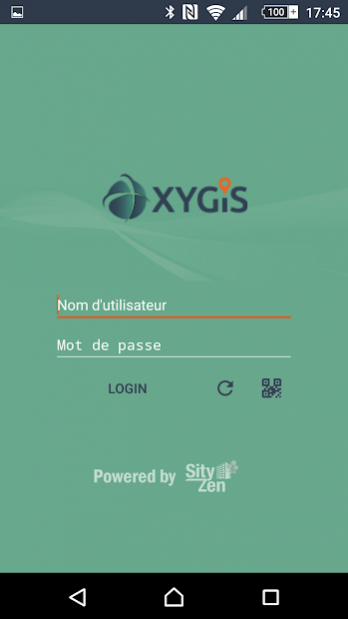
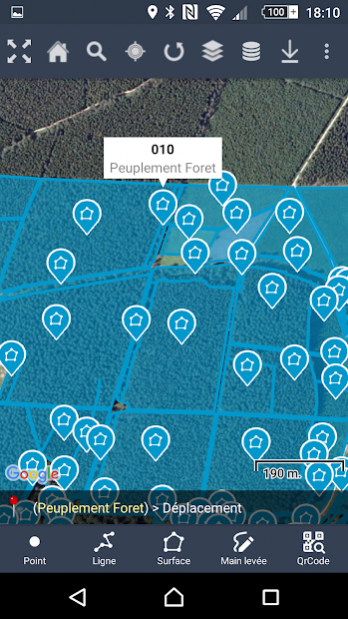
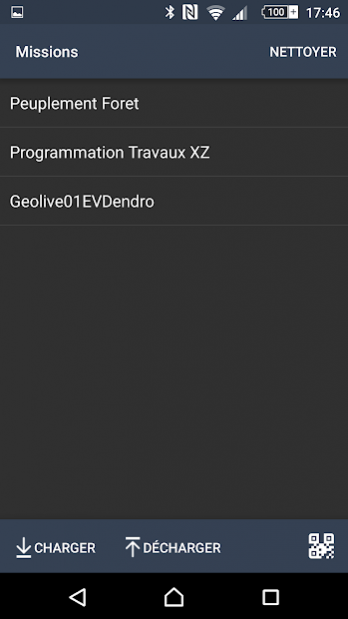

Just as much as you will need smart, connected devices, you will need smart and connected maps, to better manage the lifecycle of your assets.
Today maps are timidly used as a geolocation display. Tomorrow you will use them as both a cockpit and control tower of your day-to-day operations.
While we believe large enterprise software solutions are necessary data gate-keepers, our mission is to complete your IT arsenal with a better interface that empowers operational and decision-making users.
Our vision involves a future where your operational asset big data requires smart, connected applications to enable greater business value and reduced exploitation costs.
Oxygis is :
- Your go-to application for smart asset management
- Your trusted advisor for integrated IOT-Big Data projects related to connected asset maintenance and smart predictive maintenance projects
Our technology partners include: LPWAN network services providers, industrial sensor suppliers, predictive analytics solutions, plant logistics optimization and immersive 3D modelling solutions.
Oxygis enables the swift integration of one or more of these solutions into the right technology architecture, the right business model, for your business needs.
Our expertise lies in 10+ years of providing geo management solutions to fixed and critical asset owners, installation & maintenance subcontractors.
Powered by Sityzen.
About Oxygis
The company that develops Oxygis is Geolives Belgium S.P.R.L.. The latest version released by its developer is 0.5.5.3r.
To install Oxygis on your Android device, just click the green Continue To App button above to start the installation process. The app is listed on our website since 2018-04-23 and was downloaded 0 times. We have already checked if the download link is safe, however for your own protection we recommend that you scan the downloaded app with your antivirus. Your antivirus may detect the Oxygis as malware as malware if the download link to eu.oxygis is broken.
How to install Oxygis on your Android device:
- Click on the Continue To App button on our website. This will redirect you to Google Play.
- Once the Oxygis is shown in the Google Play listing of your Android device, you can start its download and installation. Tap on the Install button located below the search bar and to the right of the app icon.
- A pop-up window with the permissions required by Oxygis will be shown. Click on Accept to continue the process.
- Oxygis will be downloaded onto your device, displaying a progress. Once the download completes, the installation will start and you'll get a notification after the installation is finished.
Program Details
System requirements
Download information
Pricing
Version History
version 0.5.5.3r
posted on 2018-04-23
- Correction d'un bug lorsque le centroid d'une ligne ne peut être calculé
version 0.5.2r
posted on 2016-10-05
- Optimisation de l'espace dans les fiches de détails,- Correction de bugs
Disclaimer
Official Google Play Link
We do not host Oxygis on our servers. We did not scan it for viruses, adware, spyware or other type of malware. This app is hosted by Google and passed their terms and conditions to be listed there. We recommend caution when installing it.
The Google Play link for Oxygis is provided to you by apps112.com without any warranties, representations or guarantees of any kind, so access it at your own risk.
If you have questions regarding this particular app contact the publisher directly. For questions about the functionalities of apps112.com contact us.
